
Make a BGP Helpful InformationColor adjustment of an image that has been read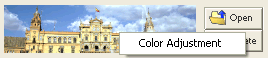 After reading an image, click the top right of the image to display the Color Adjustment menu. When you select this menu, the screen below displays and you can adjust the colors of the image read. When you adjust the color after painting, everything that you have painted will be erased. 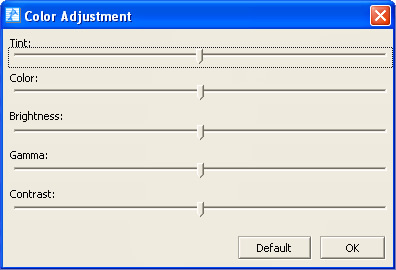 Color adjustment of a BGP you have made Right click on the top of the preview display in your car audio OEL panel to display the Color Adjustment menu. When you select this menu, the screen below displays and you can adjust the colors of the image after previewing. In Color Adjustment, you can make all of the colors more red or more blue. Perform this color adjustment right before you save after you have performed all settings for paint and effect. When you paint or re-perform settings for effects after you have performed this color adjustment, the adjustment becomes invalid. 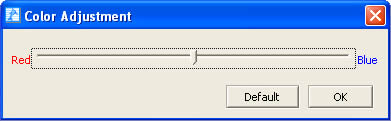 |