
Wizard AVI to MovieIn AVI to Movie you can capture an AVI file and convert it
to be displayed on your car audio.
1
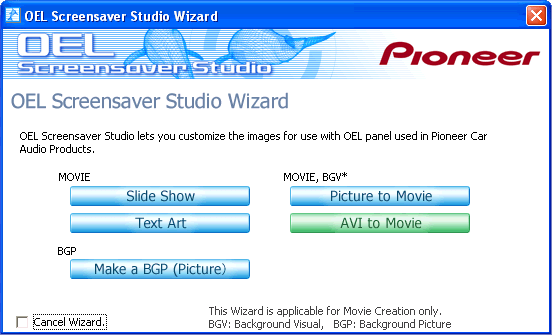 2
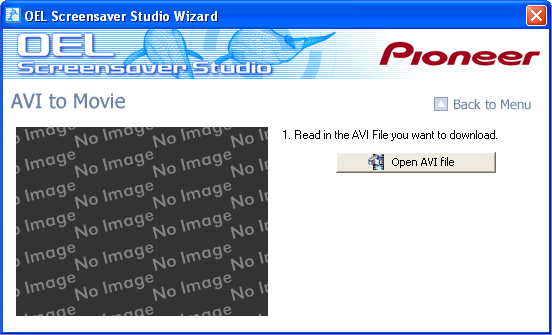 This type of screen appears. Click on Open AVI file and select the AVI file that you wish to capture. 3
 Select the AVI file that you wish to capture. That AVI file is displayed in the preview on the right side. If the file is in a format that is not compatible with OEL Screensaver Studio despite being an AVI file, no preview will be generated. Even if you select that file, the message The specified AVI file is not in a compatible format. displays and you will not be able to capture that file. 4
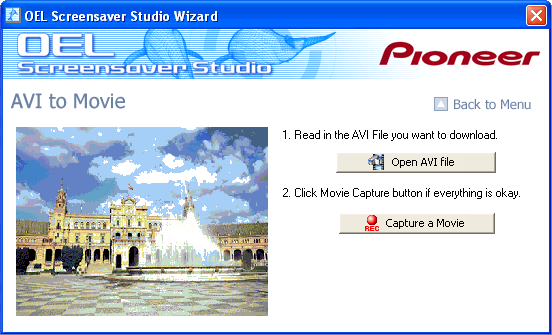 When you select an AVI file, the first frame of that AVI file will be displayed on the left side. 5
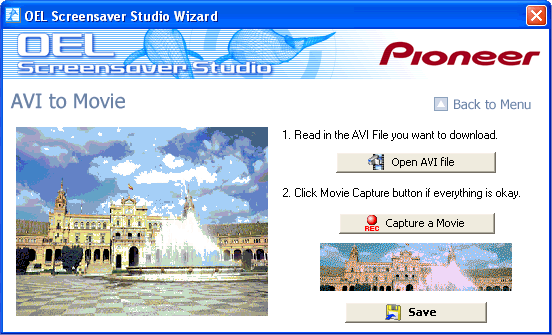 When you click Capture Movie, the AVI file is captured. You can capture between 1 and 150 frames. When an AVI file is longer than that range, up to the 150th frame will be captured. Refer to the below on the possible capture sizes. When you have finished capturing, click on Save. 6
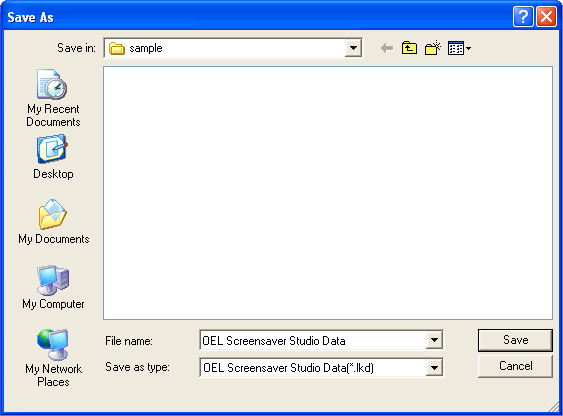 Save the movie you have just created. Save it with an easy to understand name. 7
 The file that you have saved is an LKD file and is a unique file format to OEL Screensaver Studio. You cannot use this file in any other application. The LKD file is a movie or picture file that displays on the car audio. When actually sending files to your car audio, you must organize and convert the files you want to send into the LKA file format. Read below for more information on LKA files. 8
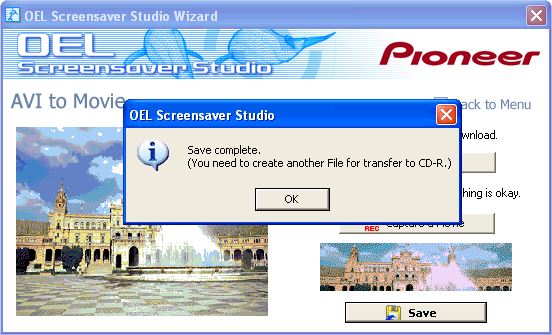 After you have saved the LKD file, the message Continue? Displays on the wizard screen. When you wish to use the wizard again to make a movie or for another function, click on Yes. When you have finished editing with the wizard and you will use another function to edit or create an LKA file, click on No. 9
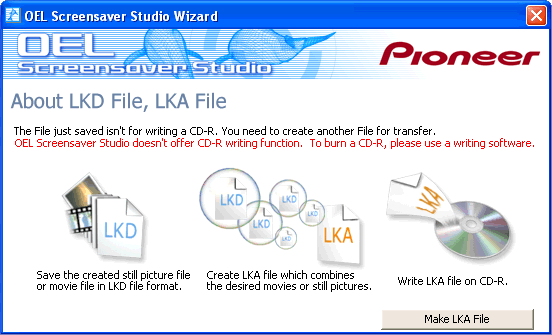 When you click on No and you finish editing in the wizard, an explanation of the LKD file and LKA file appears. An LKD file is a file format for use in OEL Screensaver Studio and an LKA file is used to organize LKD files when sending them to your car audio. When you actually send LKA files to your car audio you must write them to a CD. OEL Screensaver Studio does not contain a CD writing function. Use commercial CD writing software. |