
Making Text Art Helpful InformationColor adjustment of a background image that has been read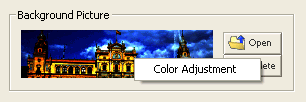 After reading an image that will be used in text art you make, right click on top of the image to display the Color Adjustment menu. When you select this menu, the screen below displays and you can adjust the colors of the image that has been read. It is most effect for text art to set the screen brightness to low or to darken the image. 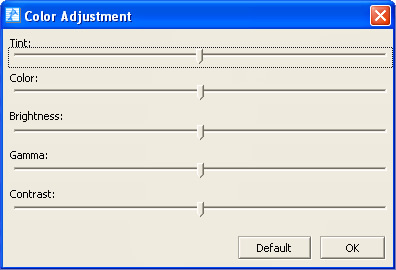 Color adjustment for text art you have made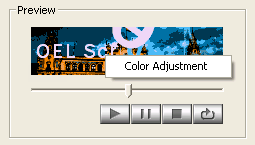 After making text art, right click on the preview display to display the Color Adjustment menu. When you select this menu, the screen below displays and you can adjust the colors of the text art. In Color Adjustment, you can make all of the colors more red or more blue. 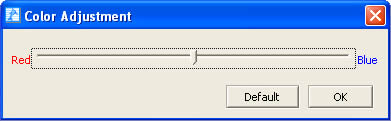 Text settingsYou can input text between 3 and 15 characters long. |