
Picture to Movie Helpful InformationColor adjustment of an image that has been read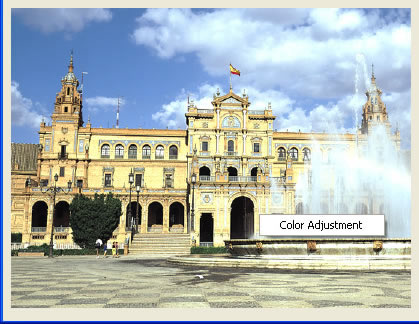 After reading an image that will be used in a movie you make, right click on top of the image to display the Color Adjustment menu. When you select this menu, the screen below displays and you can adjust the colors of the image that has been read. Usually in Picture to Movie the pattern is already set and the area that the user can set is quite small, however, skillful use of the color editing feature results in better movie making. 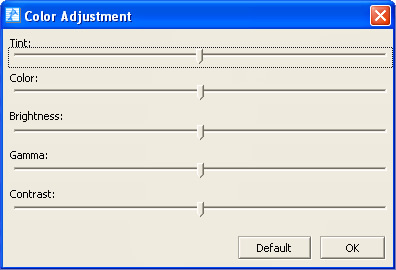 Adjust the colors of the movie you have made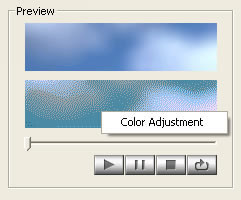 After making a movie, right click on top of the preview display to display the Color Adjustment menu. When you select this menu, the screen below displays and you can adjust the colors of the movie. In Color Adjustment, you can make all of the colors more red or more blue. 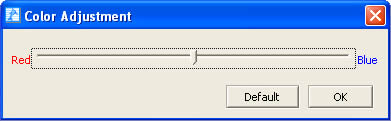 Caution when cutting images.In Picture to Movie you capture one image and use that image to make a movie. You cannot change the set patterns. When you choose a pattern to make a movie and you cannot capture well the areas you wish to be captured, try to capture the image again paying special attention to the size and position. |